Chord charts aligned to the exact syllable, one-tap key transposition and
complete setlists for every celebration — from the entrance to the final hymn.
Every detail comes from the routine of Catholic music ministries: from Thursday rehearsal to Sunday
celebration.
Chord library
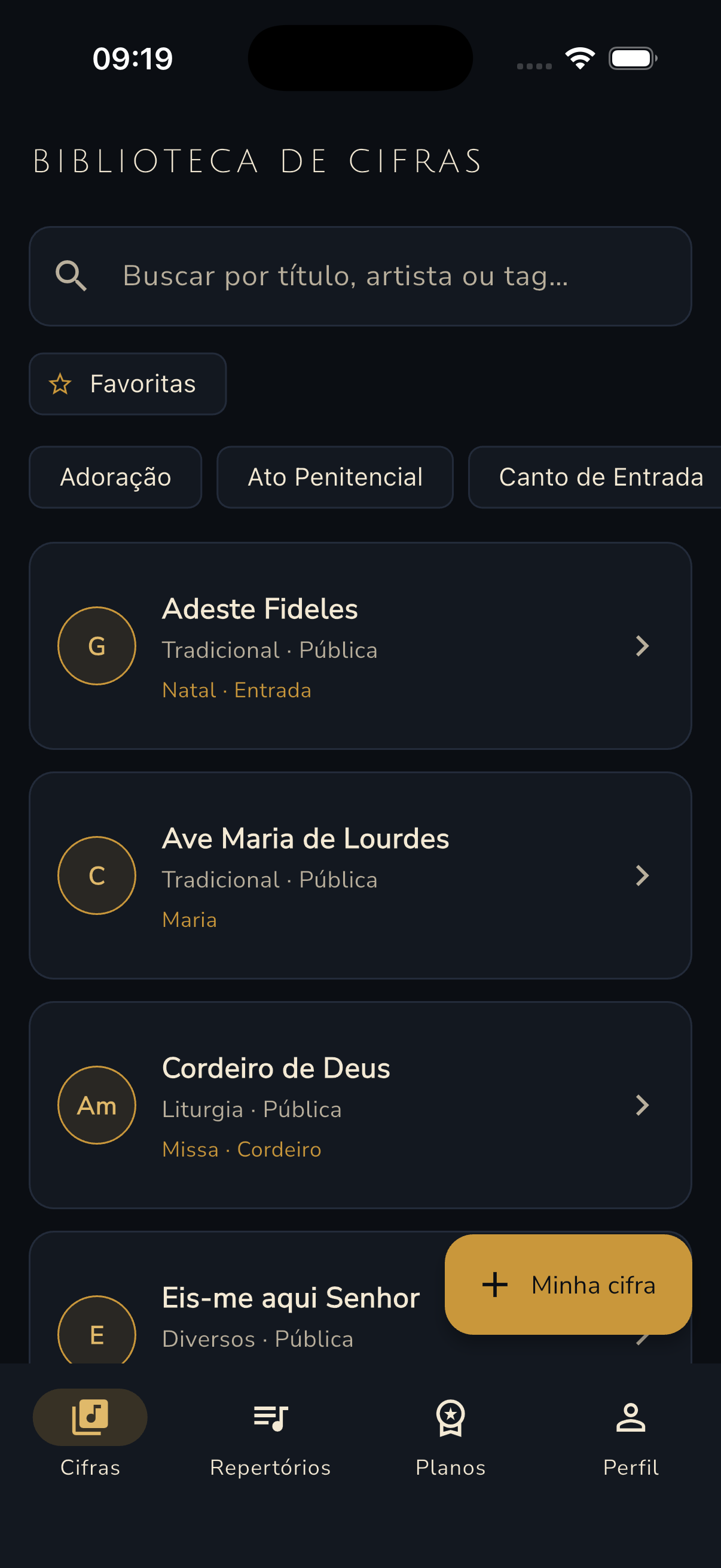
Search by title, artist or tag, filter favorites and browse chips by liturgical
moment — Adoration, Penitential Act, Entrance Hymn, Communion and more. Every
chart shows its key in a gold circle, the artist and whether it is public or private.
One-tap key transposition
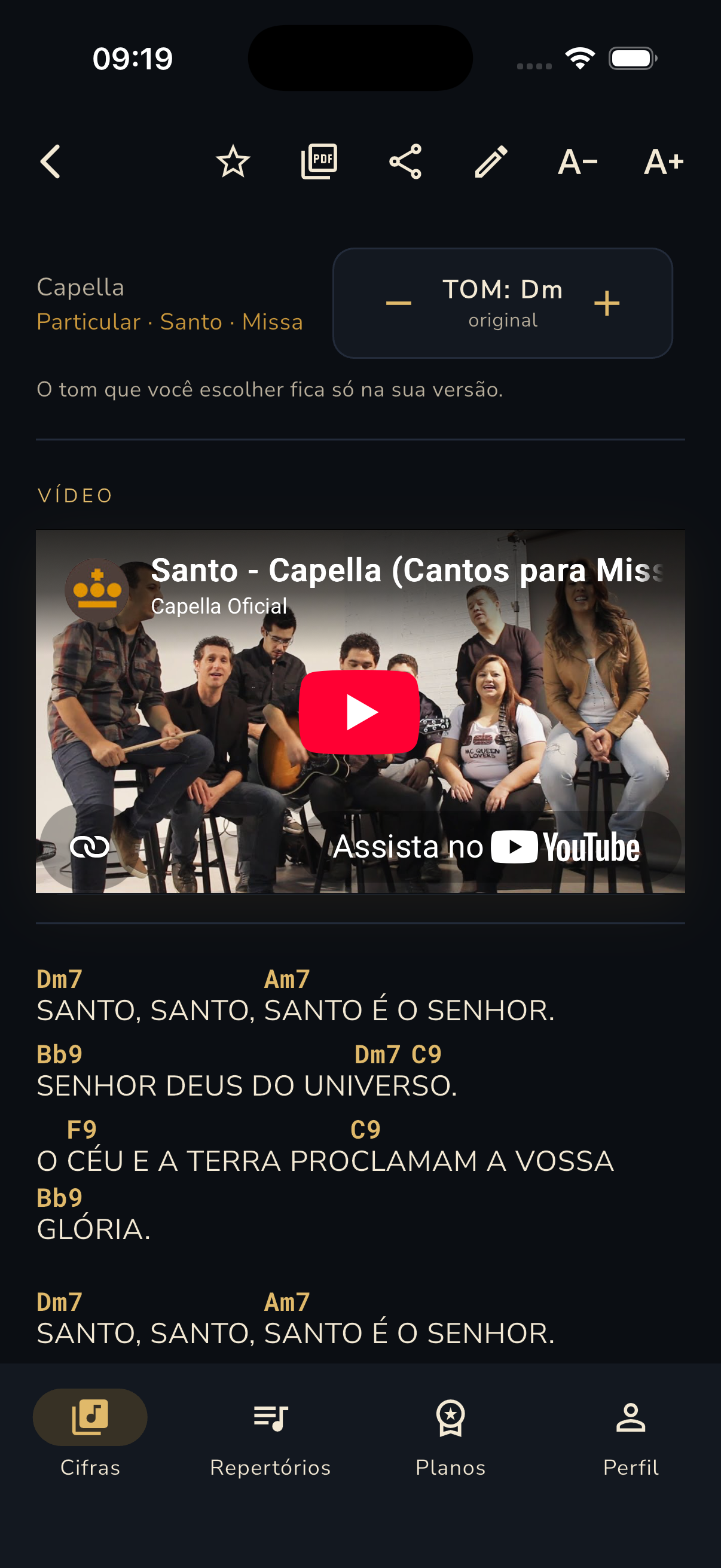
The − KEY: Dm + control changes the key instantly and shows the
original one. Your choice is saved only in your version — the other
musicians' charts stay untouched.
A view made for playing
Gold chords aligned above the exact syllable, font-size controls (A− / A+) and
mid-song key-change markers such as “Key goes up to G”.
Reference video
Every chart can embed a YouTube video: listen to the original arrangement before
playing and keep the whole ministry on the same version.
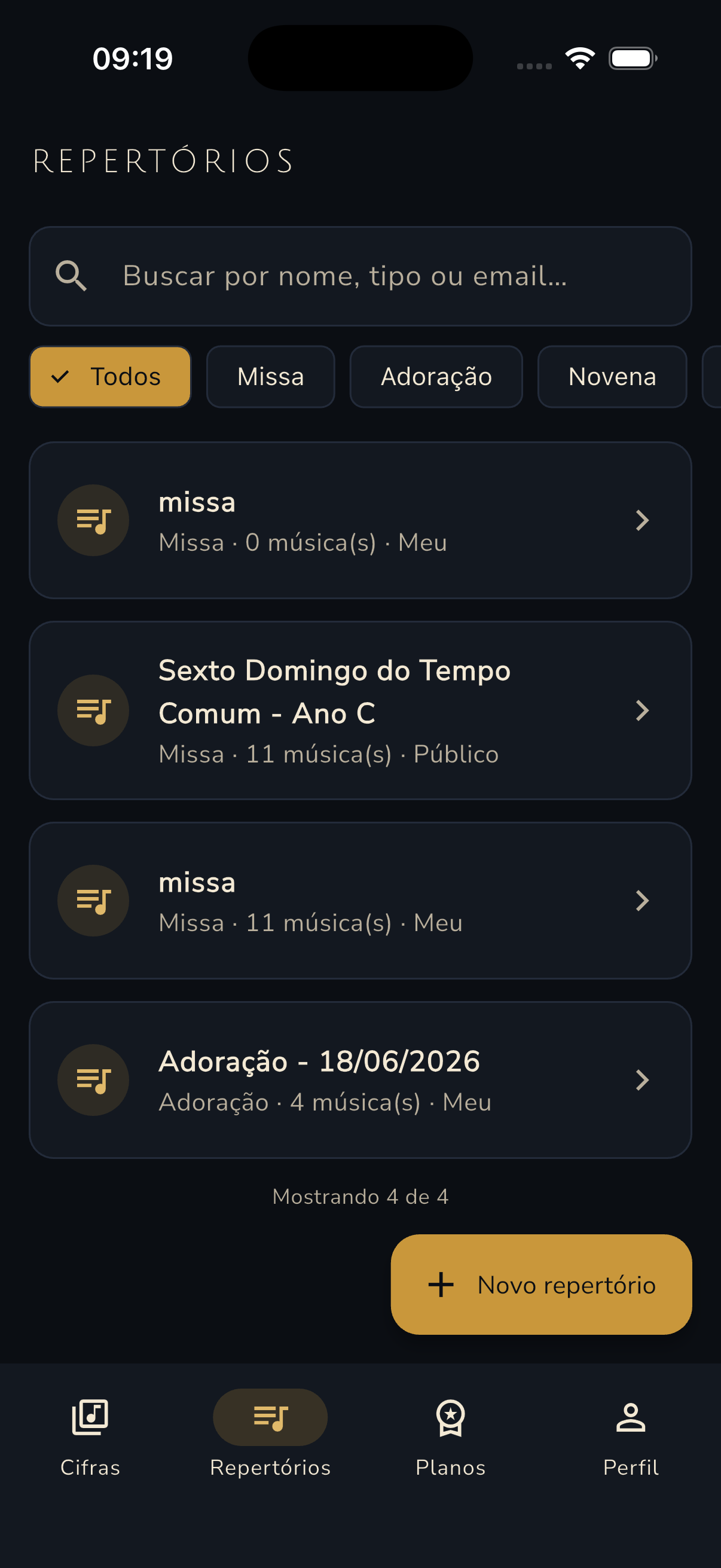
Setlists per celebration
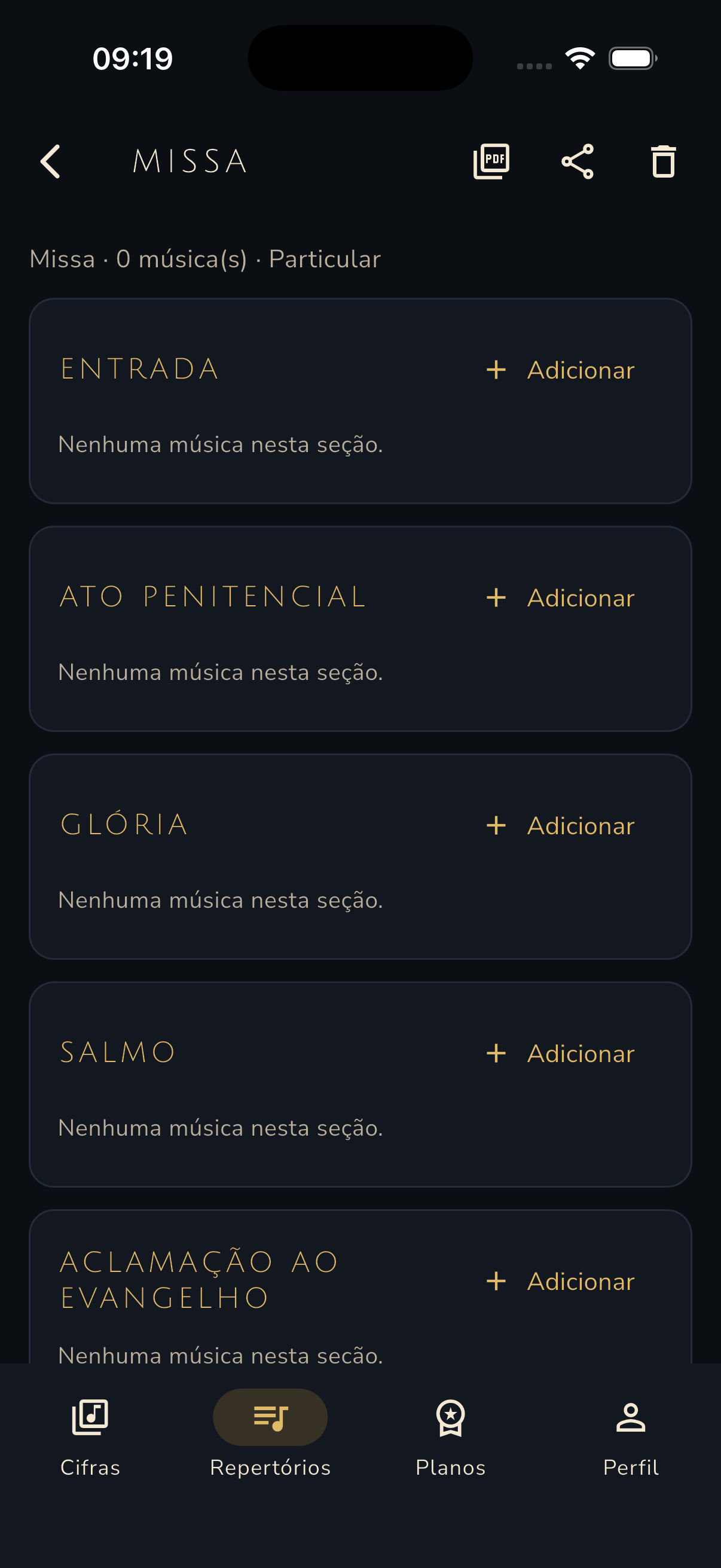
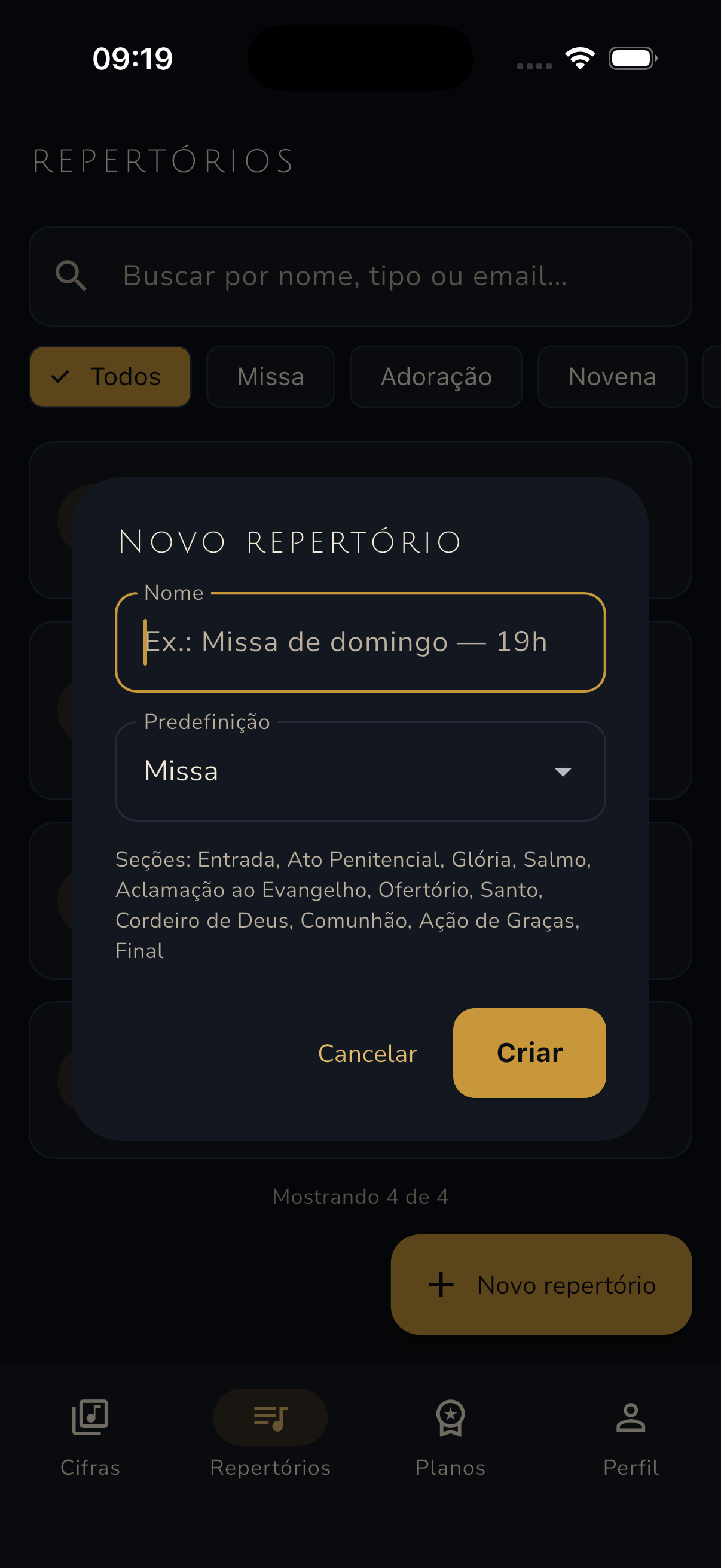
Presets for Mass, Adoration and Novena generate the right sections instantly:
Entrance, Penitential Act, Gloria, Psalm, Gospel Acclamation, Offertory, Sanctus,
Lamb of God, Communion, Thanksgiving and Final. Each section gets its songs.
Sharing and collaboration
Public or private setlists, search by name, type or email, and chart sharing that
carries the key from your last opening — whoever receives it plays exactly like you.
PDF export
Generate a PDF of a single chart or the whole setlist, cleanly formatted to print
and bring to rehearsal.
Your own chord charts
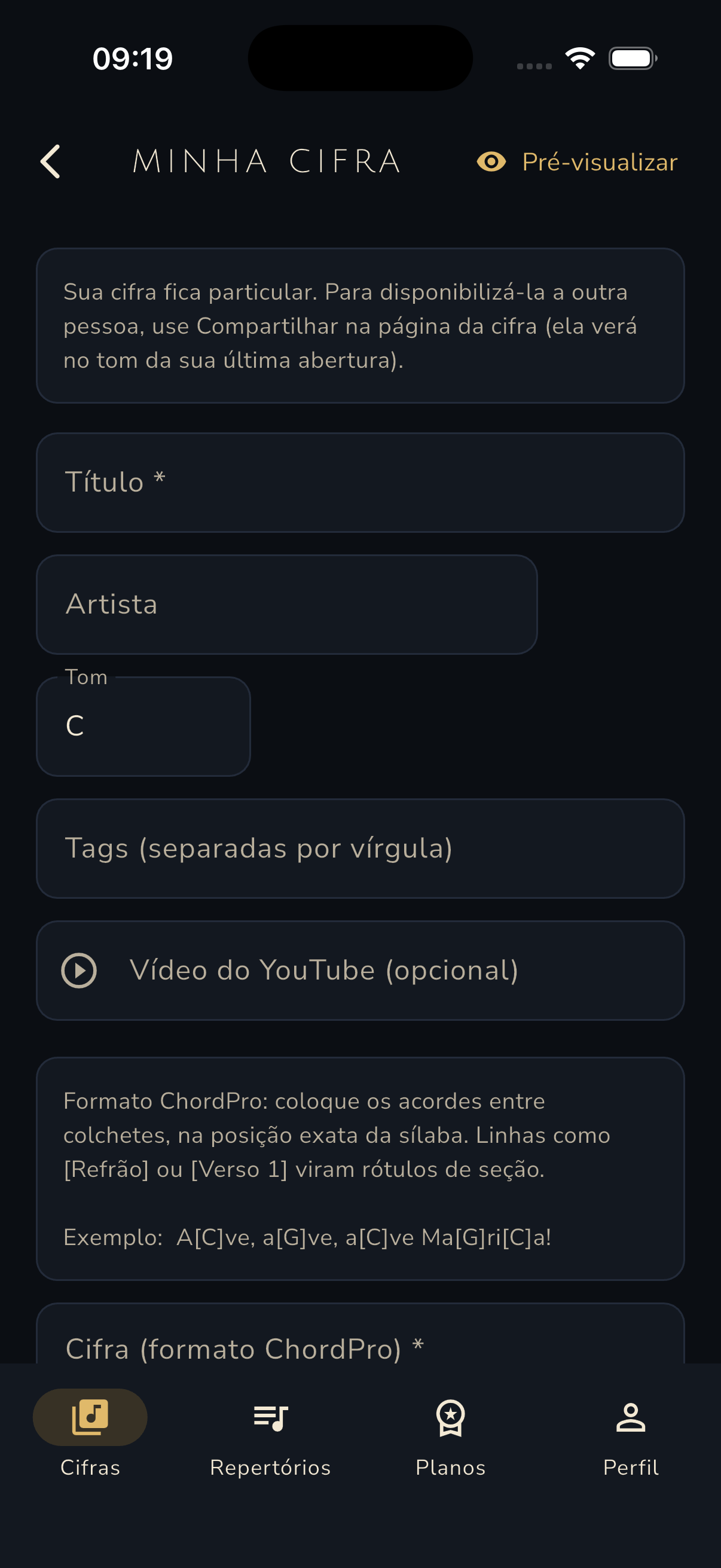
A ChordPro editor — A[C]ve, a[G]ve — with title, artist, key, tags,
video link and a live preview before saving. Labels like [Chorus]
become sections automatically.
Favorites and quick access
Star the songs you play the most and find them in one tap, straight from the
library's favorites filter.
Account and sync
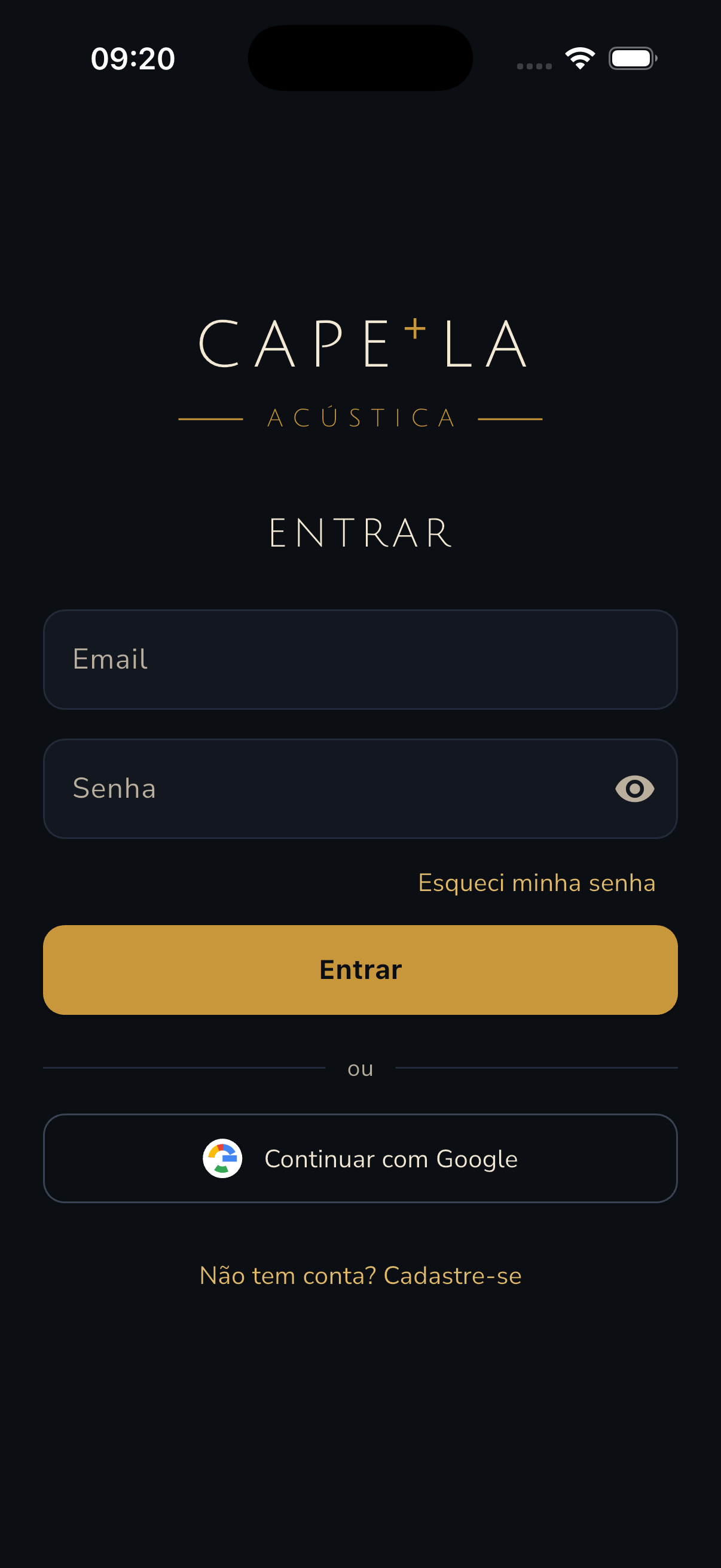
Sign in with email and password or with Google. Your charts, keys and setlists
follow you on any device, always up to date.
How it works
From rehearsal to celebration in four steps
Create your account
Sign up with email and password or continue with Google. It takes less than a minute.
Build the setlist
Pick the celebration preset and fill each section — from the Entrance to the Final
hymn.
Adjust the key
Transpose each song to your voice. The key is saved only in your version.
Share or export
Send the setlist to the ministry or generate a PDF to print for rehearsal.
Browse the screens with your keyboard arrows or by swiping.
Chord library
Chart with transposition and video
ChordPro editor
Setlists
New setlist
Celebration sections
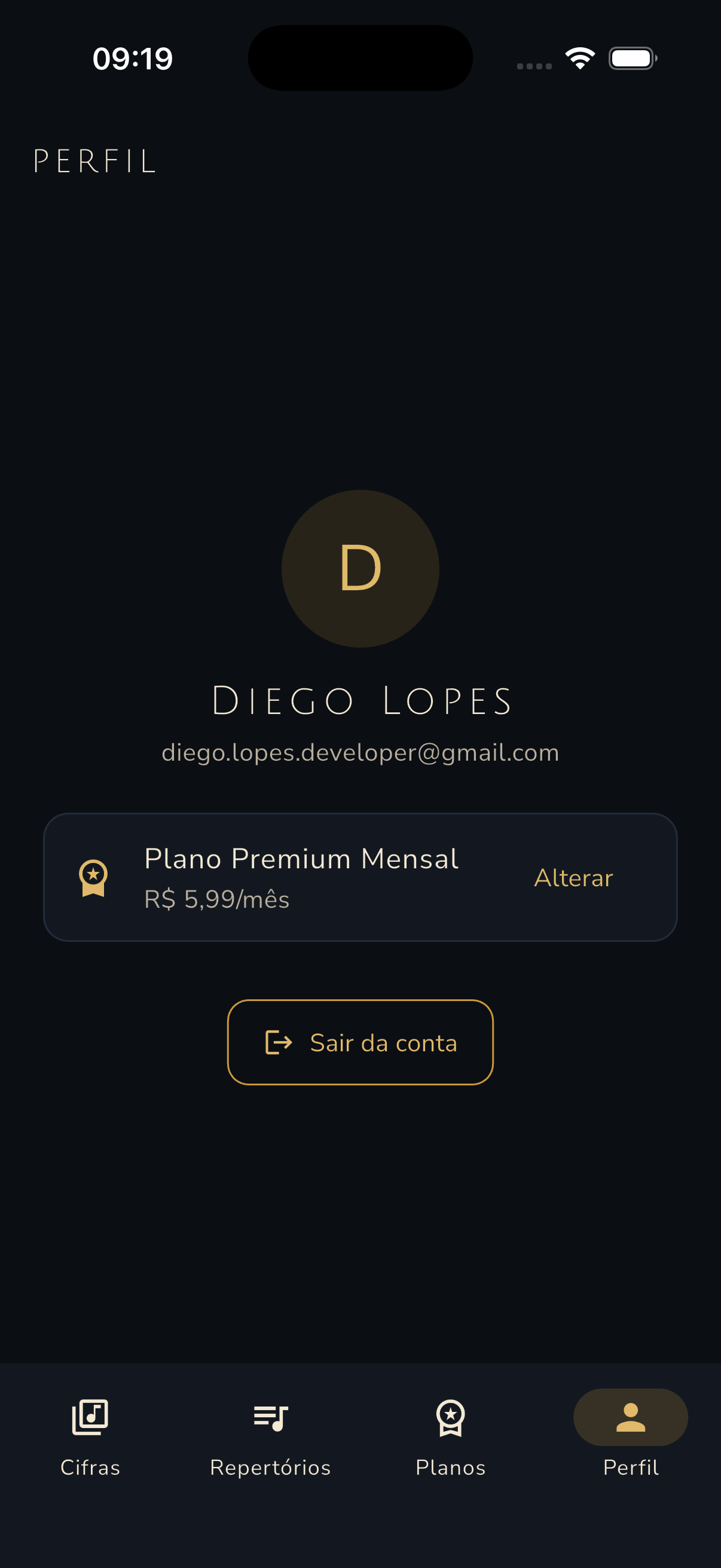
Profile
Login
Questions
Frequently asked questions
Is the app free?
Yes. The Free plan gives you the public chord library, favorites and key
transposition. Premium (R$ 5.99/month, roughly US$ 1.10) unlocks unlimited
personal charts, setlists, PDF export, sharing and videos.
Does the app work offline?
Capela Acústica is a web app and needs a connection to sync. Recently opened
charts stay available in the browser cache during your session — handy in
churches with weak signal.
Can I import my own chord charts?
Yes. You create your own charts in the ChordPro editor, with title, artist, key,
tags, video link and a live preview before saving. Just paste the lyrics and
mark the chords in square brackets.
What is ChordPro?
A chart-writing format where chords sit inside square brackets, aligned to the
exact syllable: A[C]ve, a[G]ve, a[C]ve Ma[G]ri[C]a!. The app
renders chords in gold above the lyrics, and labels like [Chorus]
become sections.
Can I use it on a computer?
Yes. The app runs in any modern browser — phone, tablet or computer — with the
same account and synced data on every device.
How do I cancel my subscription?
In the app's account settings, under “Manage subscription”. Cancellation takes
effect at the end of the current billing cycle, with no fees and no hassle.
Your ministry in tune, from rehearsal to amen.
Create your free account and build the setlist for your next celebration today.